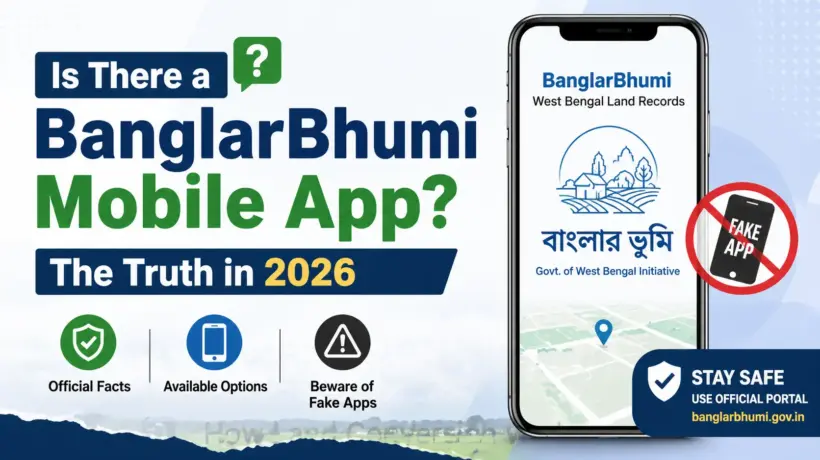
A lot of people search for a BanglarBhumi mobile app before they even try the website. Makes sense — checking your land records from your phone sounds easier than sitting at a computer.
But here’s what most websites won’t tell you clearly: the situation with BanglarBhumi apps is a bit messy. There’s an official government app, several third-party apps that look official but aren’t, and the safest option is still the browser on your phone.
Let’s sort it out.
The Official Government App — Jomir Tothya
The West Bengal government released an official mobile app called Jomir Tothya (which means “land information” in Bengali). It’s developed for the Land and Land Reforms Department and is available on the Google Play Store for Android.
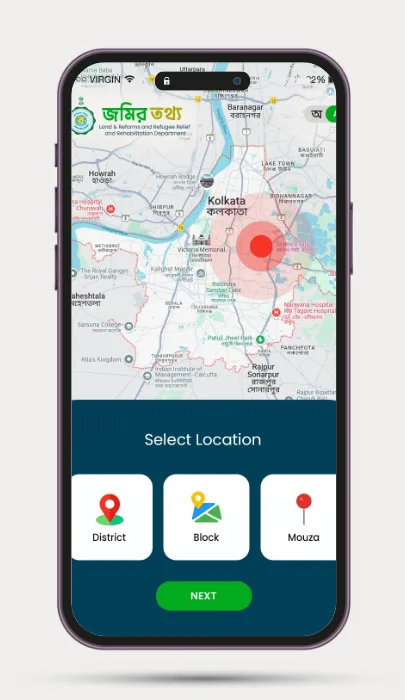
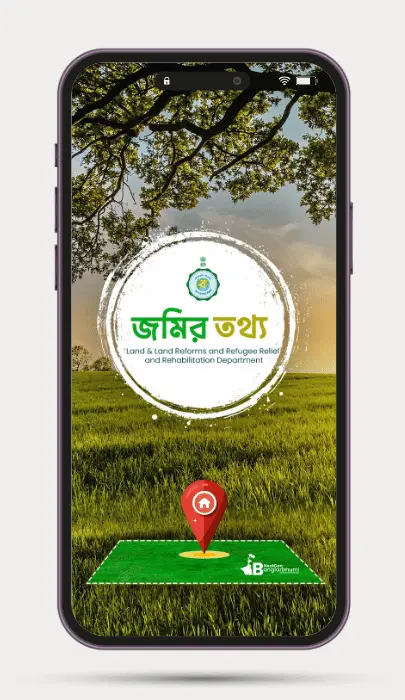
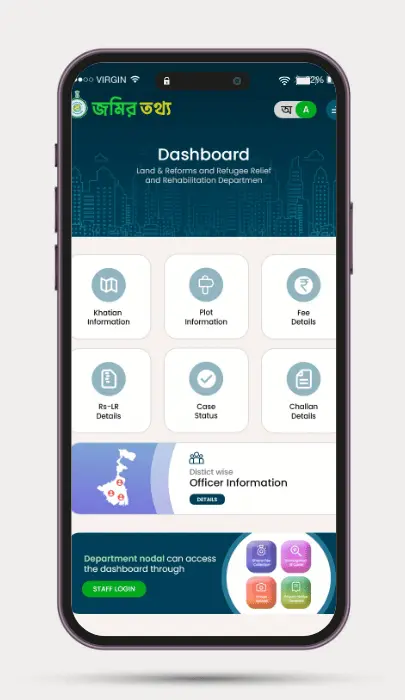
What it does:
It’s a basic app — it doesn’t give you the full set of services that banglarbhumi.gov.in has. You can’t apply for mutation, download certified e-Porcha, or pay Khajna through it. For those things, you still need the website.
Third-Party Apps on Play Store and App Store — Be Careful
If you search “BanglarBhumi” on the Play Store or App Store, you’ll find several apps. Most of them are not made by the government. They’re built by private developers who pull data from banglarbhumi.gov.in and display it in their own app.
These apps clearly say this in their own disclaimers — phrases like “This APP is NOT associated, affiliated, endorsed, sponsored or approved by West Bengal official Banglar Bhumi.”
Should you use them? Here’s the honest answer:
What’s okay
Using them to quickly view basic land information — Khatian details, plot numbers, land area. The data they show comes from the official portal anyway.
What’s risky
Entering your BanglarBhumi login details, Aadhaar number, or any personal information in a third-party app. These apps have no obligation to protect your data.
Also — many reviews of these third-party apps complain about frequent “Something went wrong” errors and data not loading. The official website is more reliable for actual work.
The Safest and Most Reliable Way to Use BanglarBhumi on Mobile
Honestly — just open banglarbhumi.gov.in in your phone’s browser. Chrome or Firefox work well. The website is mobile-friendly enough for basic searches, and you get access to every service — not just the limited ones available in the app.
This way you’re always on the official government portal, your data stays safe, and you won’t hit the limitations of any app.
Common Questions
For the complete guide on how to use BanglarBhumi — including Khatian search, mutation, e-Porcha, and more — see our main BanglarBhumi guide here.